Building Data Pipelines with Kafka Connect and Kafka Streams
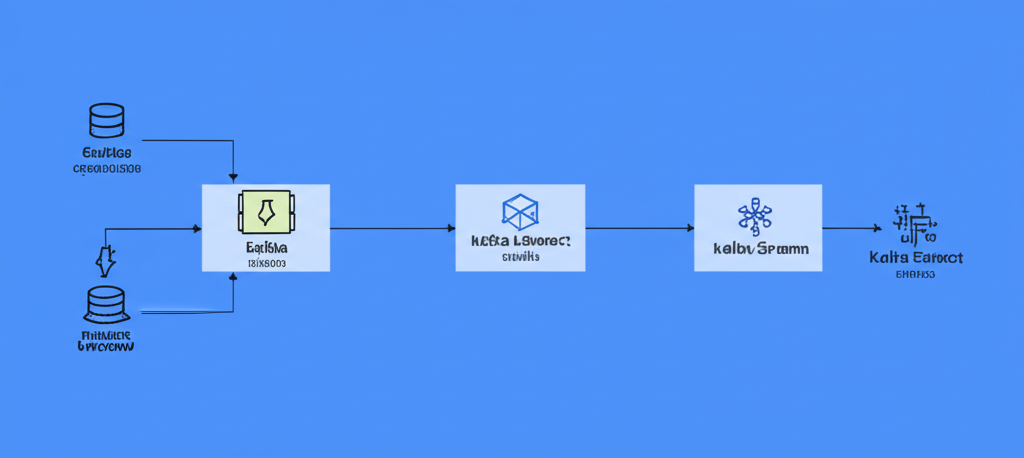
Building Data Pipelines on Kubernetes with Kafka Connect and Kafka Streams
Data is the lifeblood of modern applications. And increasingly, applications need to process that data in real-time. That's where data pipelines come in, allowing you to ingest, transform, and deliver data efficiently. In the Kubernetes world, Kafka Connect and Kafka Streams are powerful tools for building such pipelines. Let's dive in!
What are Kafka Connect and Kafka Streams? (Think Water Pipes and Processing Plants)
Imagine you have a network of water pipes.
Kafka: This is the main reservoir, storing all the water (data) flowing through the system.
Kafka Connect: These are the connectors, the pipelines that pump water (data) into the reservoir (Kafka) from different sources (wells, lakes, etc.) and out to different destinations (homes, factories, etc.). They handle moving data in and out of Kafka.
Kafka Streams: This is a processing plant built along the pipeline. It can clean, filter, and transform the water (data) as it flows through. It handles processing data within Kafka.
In short:
- Kafka Connect: Bridges the gap between Kafka and external systems.
- Kafka Streams: Performs real-time data processing within Kafka.
Why Use Kafka Connect and Kafka Streams on Kubernetes?
Kubernetes provides a fantastic environment for managing and scaling these tools:
- Scalability: Easily scale your Connectors and Stream applications based on data volume. Kubernetes handles resource allocation.
- Resilience: Kubernetes ensures high availability by automatically restarting failed components.
- Management: Use Kubernetes tools (kubectl, Helm) for deployment, configuration, and monitoring.
A Practical Example: Monitoring Website Traffic
Let's say you want to track website traffic in real-time, identify popular pages, and feed that data into a dashboard. Here's how Kafka Connect and Kafka Streams can help:
Ingest Website Logs with Kafka Connect (Source): You can use a Kafka Connect connector, like the FileSourceConnector, to continuously read web server logs and push them into a Kafka topic named
website-logs. Think of this as collecting water from a well (web server logs) and piping it into the main reservoir (Kafka).apiVersion: platform.confluent.io/v1beta1 kind: KafkaConnector metadata: name: file-source-connector namespace: kafka spec: class: org.apache.kafka.connect.file.FileStreamSourceConnector taskMax: 1 config: topic: website-logs file: /path/to/your/webserver.log # other configurations...Process Log Data with Kafka Streams (Transformation): A Kafka Streams application can consume the
website-logstopic, parse the log entries, extract the URL, and aggregate page view counts. This processed data is then written to a new Kafka topic calledpage-view-counts. This is the processing plant cleaning and analyzing the water as it flows.// Java code snippet for a simple Kafka Streams application KStream<String, String> logs = builder.stream("website-logs"); KTable<String, Long> pageViewCounts = logs .mapValues(log -> extractUrl(log)) // Function to extract URL from log .groupBy((key, url) -> url) .count(); pageViewCounts.toStream().to("page-view-counts", Produced.with(Serdes.String(), Serdes.Long()));Deliver to Dashboard with Kafka Connect (Sink): Another Kafka Connect connector, like the JDBC Sink Connector, can consume the
page-view-countstopic and write the data to a database. This database can then be used by a dashboarding tool (like Grafana) to visualize the real-time traffic data. This is the final pipeline delivering clean water to your home (the dashboard).apiVersion: platform.confluent.io/v1beta1 kind: KafkaConnector metadata: name: jdbc-sink-connector namespace: kafka spec: class: io.confluent.connect.jdbc.JdbcSinkConnector taskMax: 1 config: connection.url: jdbc:postgresql://your-db:5432/your-database connection.user: your-user connection.password: your-password topics: page-view-counts insert.mode: insert # other configurations...
Deploying on Kubernetes
You can deploy Kafka Connect and Kafka Streams applications on Kubernetes using several methods:
- Plain Kubernetes Deployments: Define Deployment and Service resources for each component.
- Helm Charts: Use Helm charts to simplify deployment and management, especially Confluent Platform Helm charts which include Kafka Connect.
- Operators: Operators provide a more automated and Kubernetes-native way to manage Kafka Connect and Kafka Streams applications.
Challenge: Schema Evolution
One common challenge is schema evolution. As your data sources evolve, the structure of the data in your Kafka topics might change. This can break your Kafka Streams applications if they are not designed to handle different schema versions.
Solution: Schema Registry
Use a Schema Registry (like the one provided by Confluent) to manage the schema of your Kafka topics. Kafka Connect and Kafka Streams can then use the Schema Registry to automatically serialize and deserialize data, handling schema changes gracefully. This way, your applications are less brittle and can adapt to evolving data structures. Think of it as having a blueprint for your water pipes, ensuring that any changes are documented and all parts of the system understand the new specifications.
Conclusion
Kafka Connect and Kafka Streams, when deployed on Kubernetes, provide a powerful and scalable platform for building real-time data pipelines. By understanding the core concepts and using tools like Schema Registry, you can create robust and adaptable pipelines that unlock the value hidden within your data. Start small, experiment with different connectors and processing topologies, and gradually build more complex pipelines to meet your specific needs. Good luck building!


